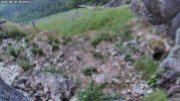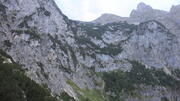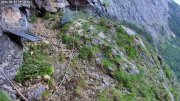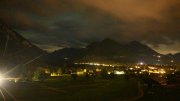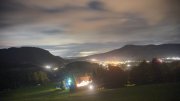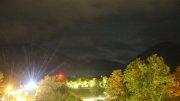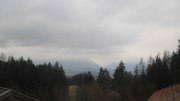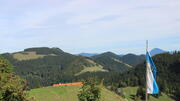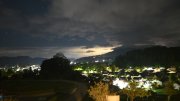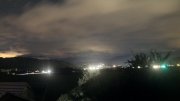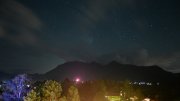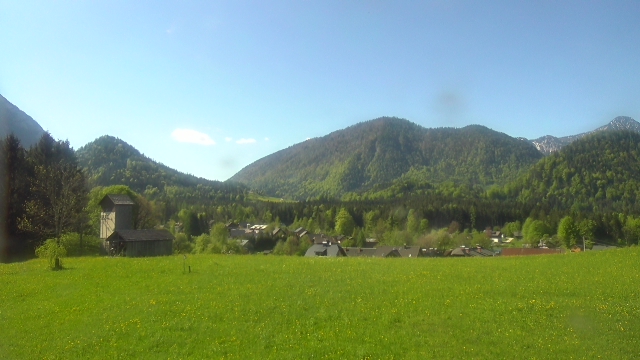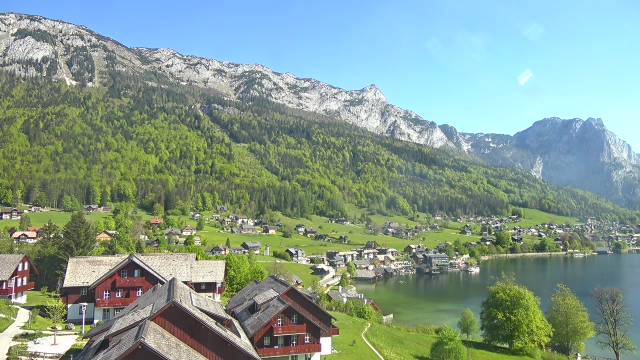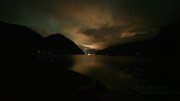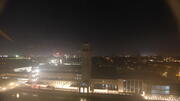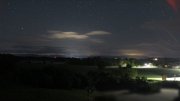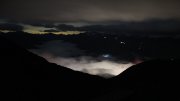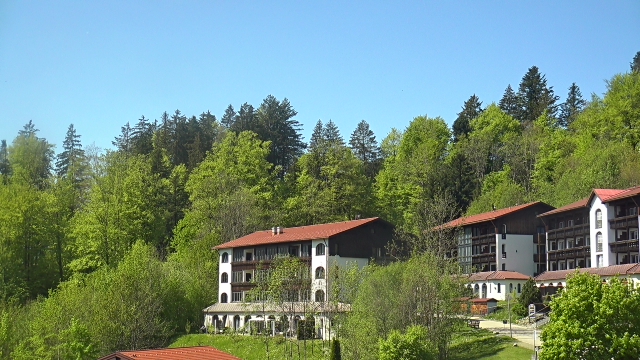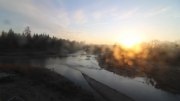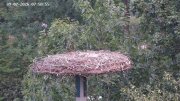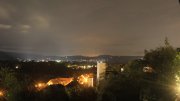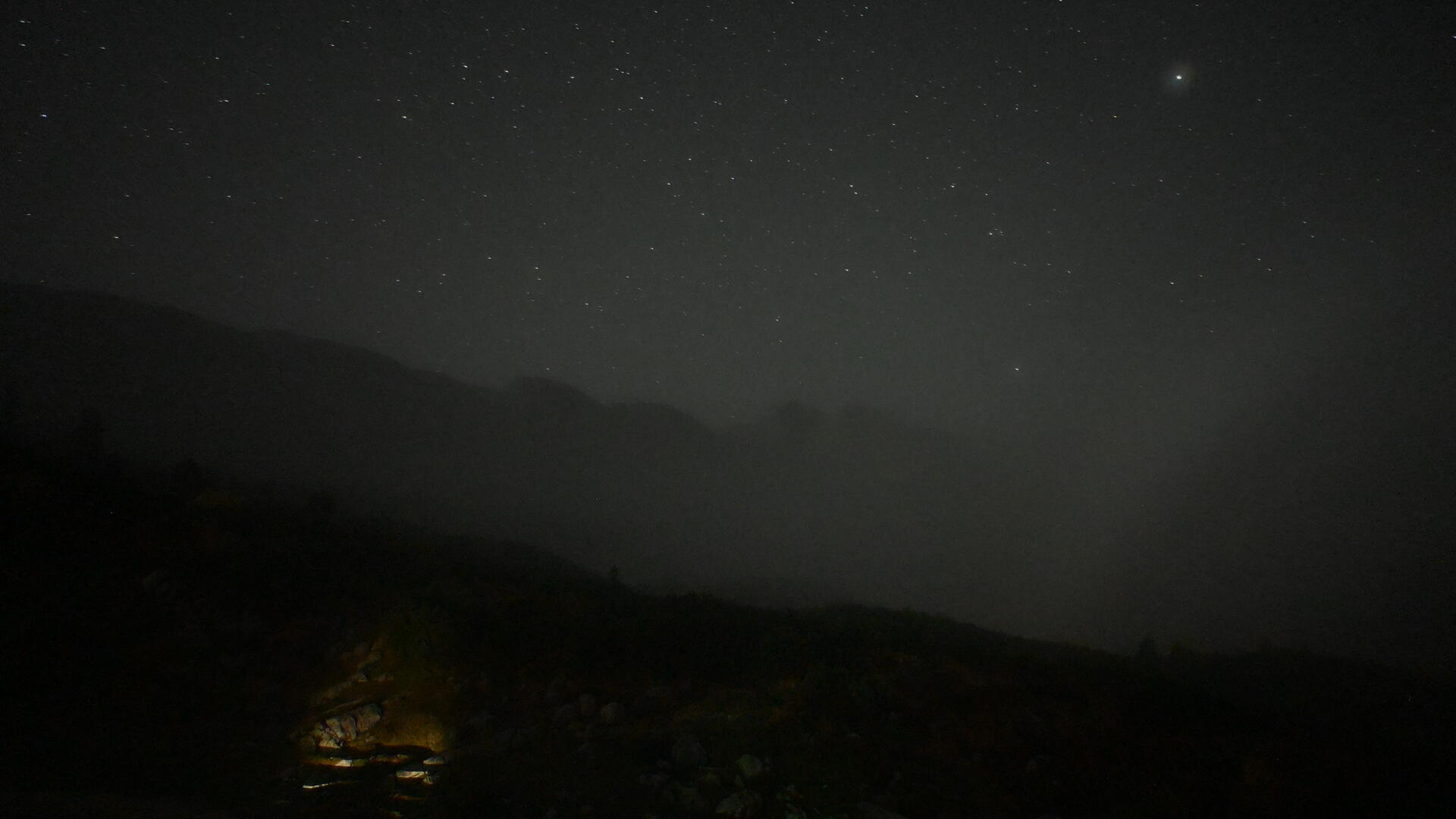
New Traunstein Hut | View over the Reiteralpe
03:40 06.10.2026





Webcam New Traunstein Hut (Reiter Alpe)
 Location on map (opens in a new tab)
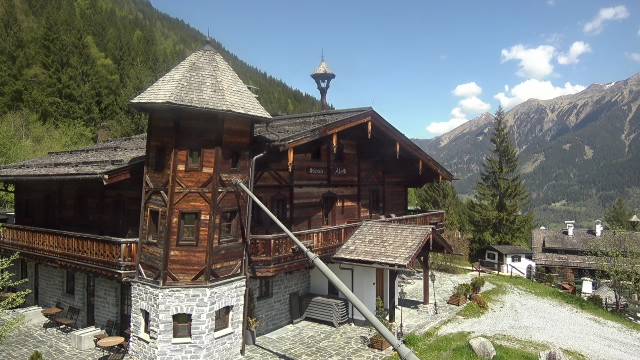
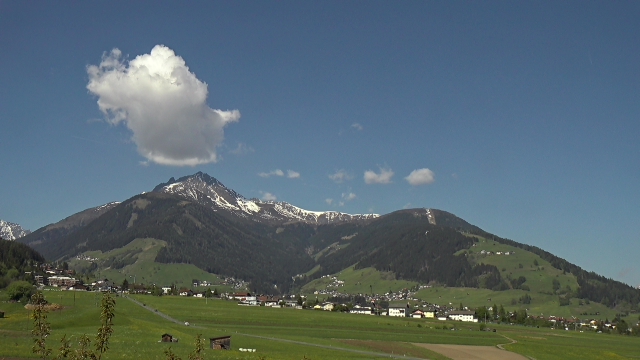
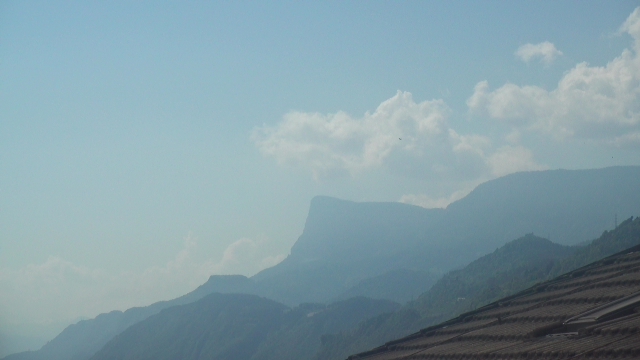
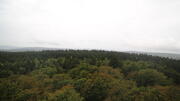
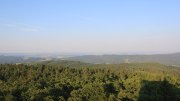
Motiv: Blick von der Neuen Traunsteiner Hütte über die Reiteralpe mit Stadelhorn und Wagendrischlhorn
Gebiet: Berchtesgadener Alpen (DE)
Standorthöhe: 1560m
Ausrichtung: Süden
Aktivierungsdatum: 31.05.2026
Kamera: Nikon Z30 & 12-28mm Weitwinkelobjektiv
Strom- und Internetversorgung: Power over Ethernet
Gehäuseausführung: Edelstahl 2.0
Webcam-Partner: DAV Sektion Traunstein
Weitere Informationen zur Fotowebcam Neue Traunsteiner Hütte (Reiteralpe)
Die Kamera wurde in bester Zusammenarbeit mit der DAV Sektion Traunstein auf der Neuen Traunsteiner Hütte montiert. Sie zeigt einen wunderbaren Panoramablick über das Hochplateau der Reiteralpe. Der höchste Punkt der Reiteralpe ist das Stadelhorn mit 2286m. Auf dem Hochplateau gibt es absolut keinen Mobilfunkempfang. Aus diesem Grund kann die Kamera derzeit nur im Sommer während der bewirteten Zeiten betrieben werden.Bilder des Kamerasystems
Best pictures webcam New Traunstein Hut (Reiter Alpe)
Particularly noteworthy images can be marked via the 'Share & Tag' menu optionWeather data webcam New Traunstein Hut (Reiter Alpe)
More data and custom time periods: Link to the dashboard (opens in a new tab)Compare Pictures New Traunstein Hut (Reiter Alpe)


New Traunstein Hut (Reiter Alpe)
Share: Webcam New Traunstein Hut (Reiter Alpe)
Tag good picture
Clicking the "Mark" button adds the currently displayed image to the Best Images collection. This automatically creates a collection of high-quality images that are easy to locate. The marked images can be found both under the camera-specific Best Images menu item and in the combined collection for all cameras under Best of. To prevent the collection from becoming cluttered with too many similar images, we occasionally weed out the selection.
Should this image be included in the best of collection?For spam protection, please enter the following character combination into the text field:
Embed in your own website (live image)
You are welcome to embed the live feed from this webcam on another website until further notice, subject to certain conditions: The image must not be altered in any way (compressed, distorted, or otherwise modified). The image may be scaled down, but it must not be displayed larger than its original size (which would cause distortion). The hyperlink tag (href) covering the entire image must remain intact and must not be removed. The link must point either to the specific camera feed or to our homepage. Several live feeds in various resolutions are available for embedding:
180x101 pixel (Filename = '180.jpg')400x225 pixel (Filename = '400.jpg')
512x288 pixel (Filename = '512.jpg')
816x459 pixel (Filename = '816.jpg')
1200x675 pixel (Filename = '1200.jpg')
1920x1080 pixel (Filename = '1920.jpg')
3840x2160 pixel (Filename = '3840.jpg') -> not all Cameras!
Copy the following code and paste it into your own source code to embed this camera (using '1920.jpg' as an example here):
<a href="https://www.terra-hd.com/"><img src="https://www.terra-hd.com//img/current/1920.jpg"></a>Embed in my website (JavaScript player)
A JavaScript player is available alongside the live feed. It can be embedded using an iframe. The iframe automatically adjusts to the maximum available width (up to 1920 pixels). To embed this camera, copy the following code snippets into the source code:
	<iframe class="terrahd-player" width="100%" height="100%" scrolling="no"
	allowfullscreen="1" frameborder=0 src="https://www.terra-hd.com//player.php?header=1&partner=1">
	</iframe>
	<script>
	function playerResize() {
		var player = document.getElementsByClassName("terrahd-player");
		var width = player[0].offsetWidth*9/16;
		for(var i=0;i<player.length;i++)
			player[i].style.height = (width+((width<450)?145:95))+"px";
	}
	window.addEventListener("resize", playerResize); playerResize();
	</script>
Print, TV & Social media
Ideally, use the highest possible resolution: clicking the fullscreen button at the bottom right of the webcam image loads the image in full resolution. This image can be downloaded by right-clicking. The image source must always be cited when publishing in print or TV media.


Archive: New Traunstein Hut (Reiter Alpe)